Try Gemini Omni Now — Generate AI Video Free
Enter a text prompt or upload a reference image. Gemini Omni generates cinematic video with native audio. Switch to Kling, Veo, or other engines from the same interface.
This image will be the starting frame of your video
0 / 20000
Omni AI Video AI Creations
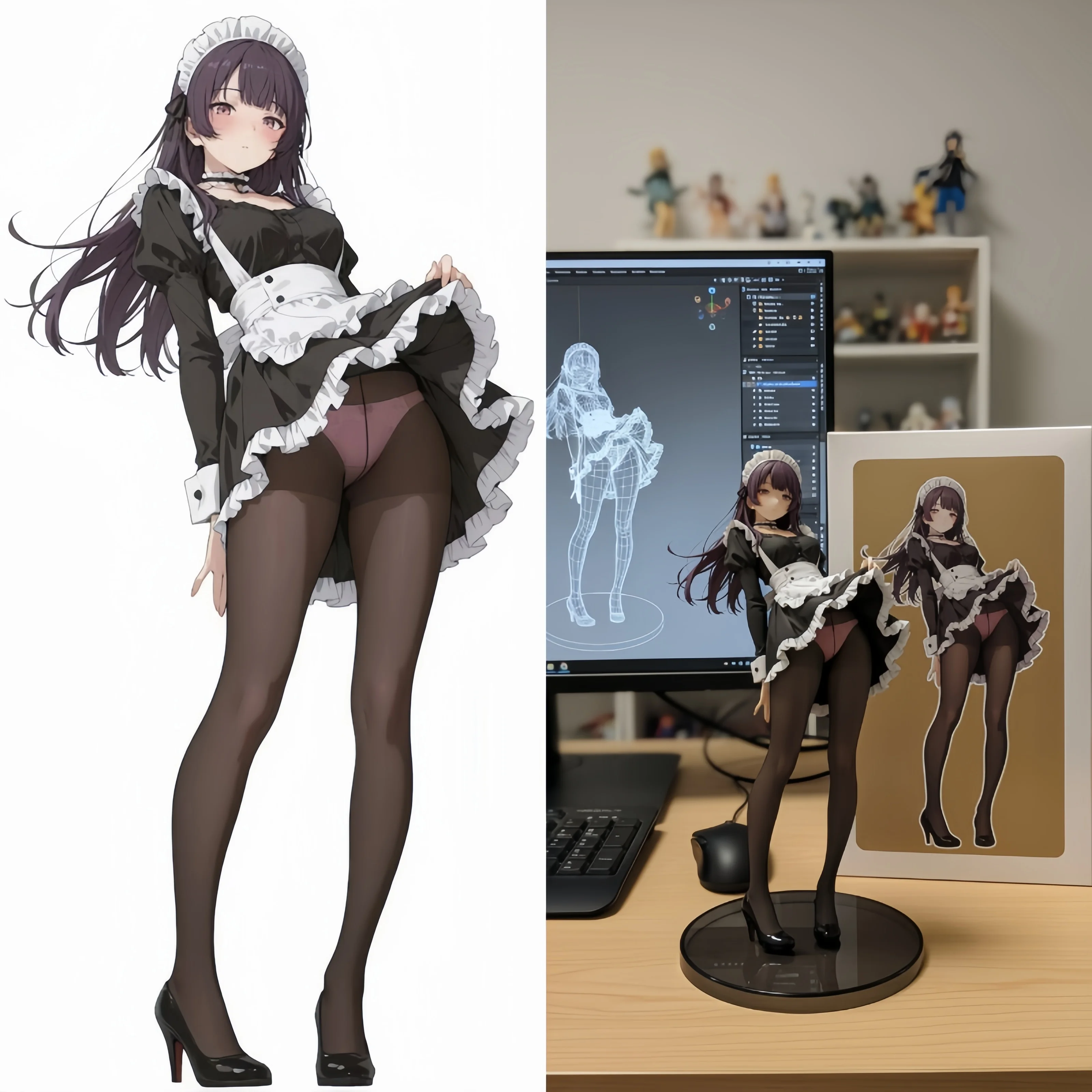
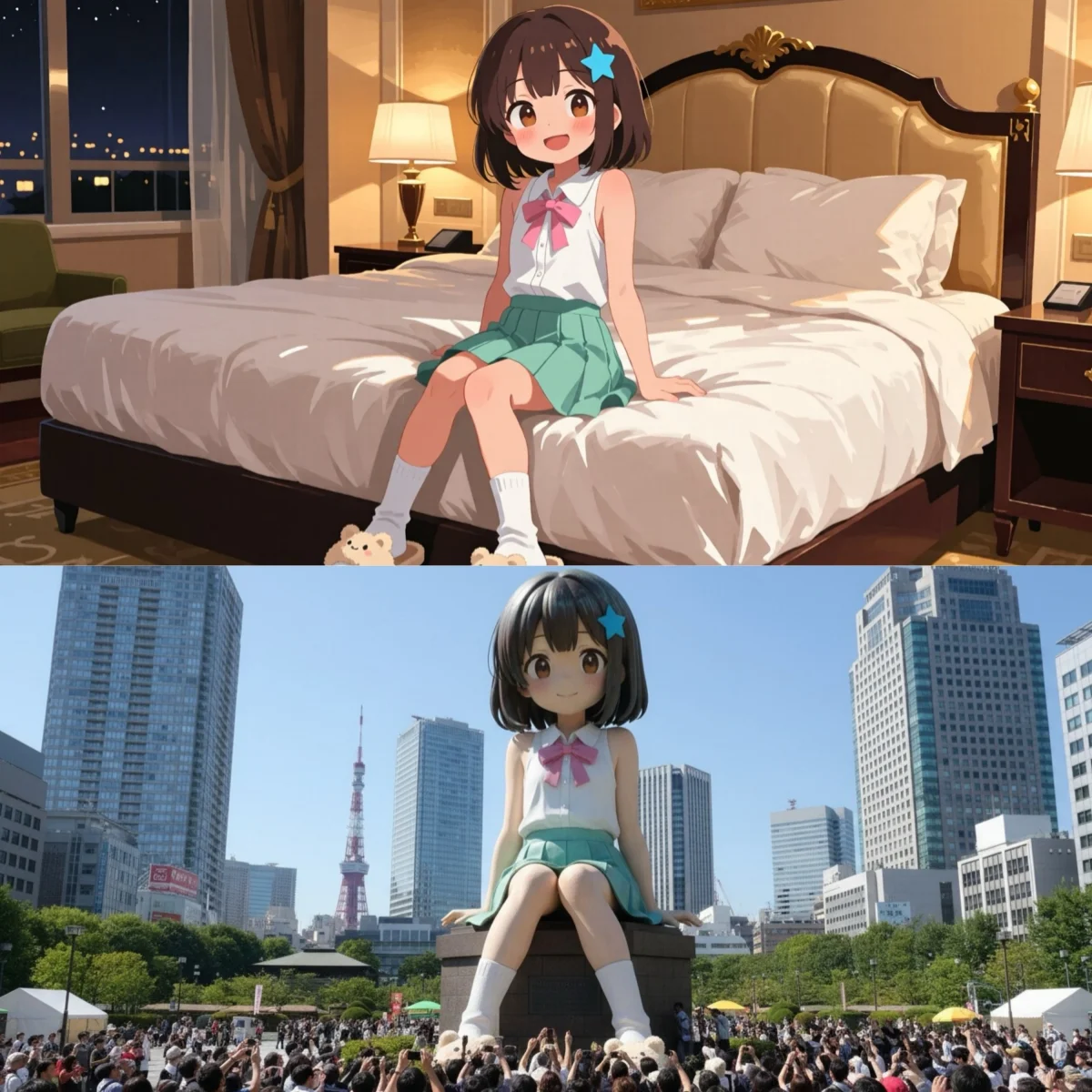
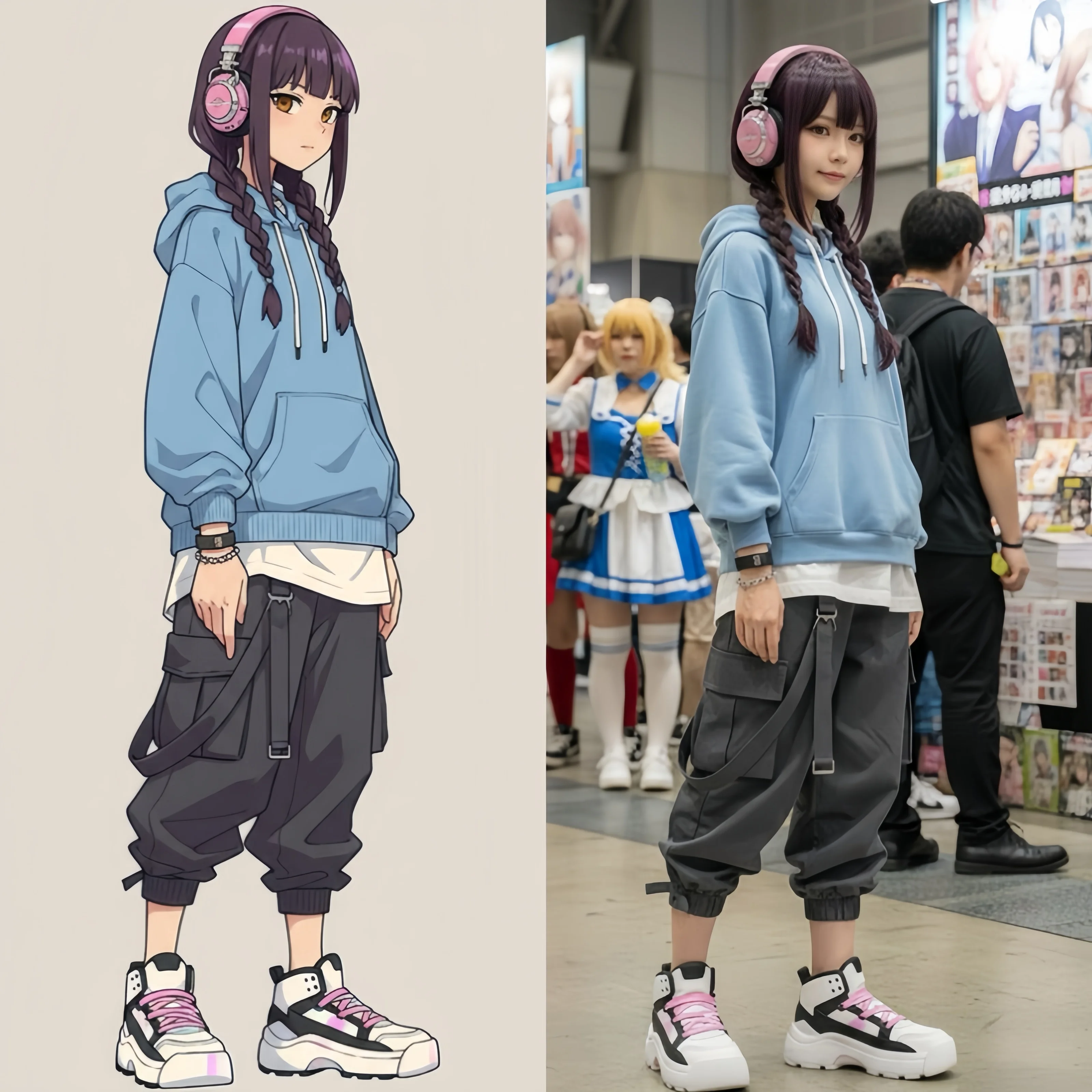
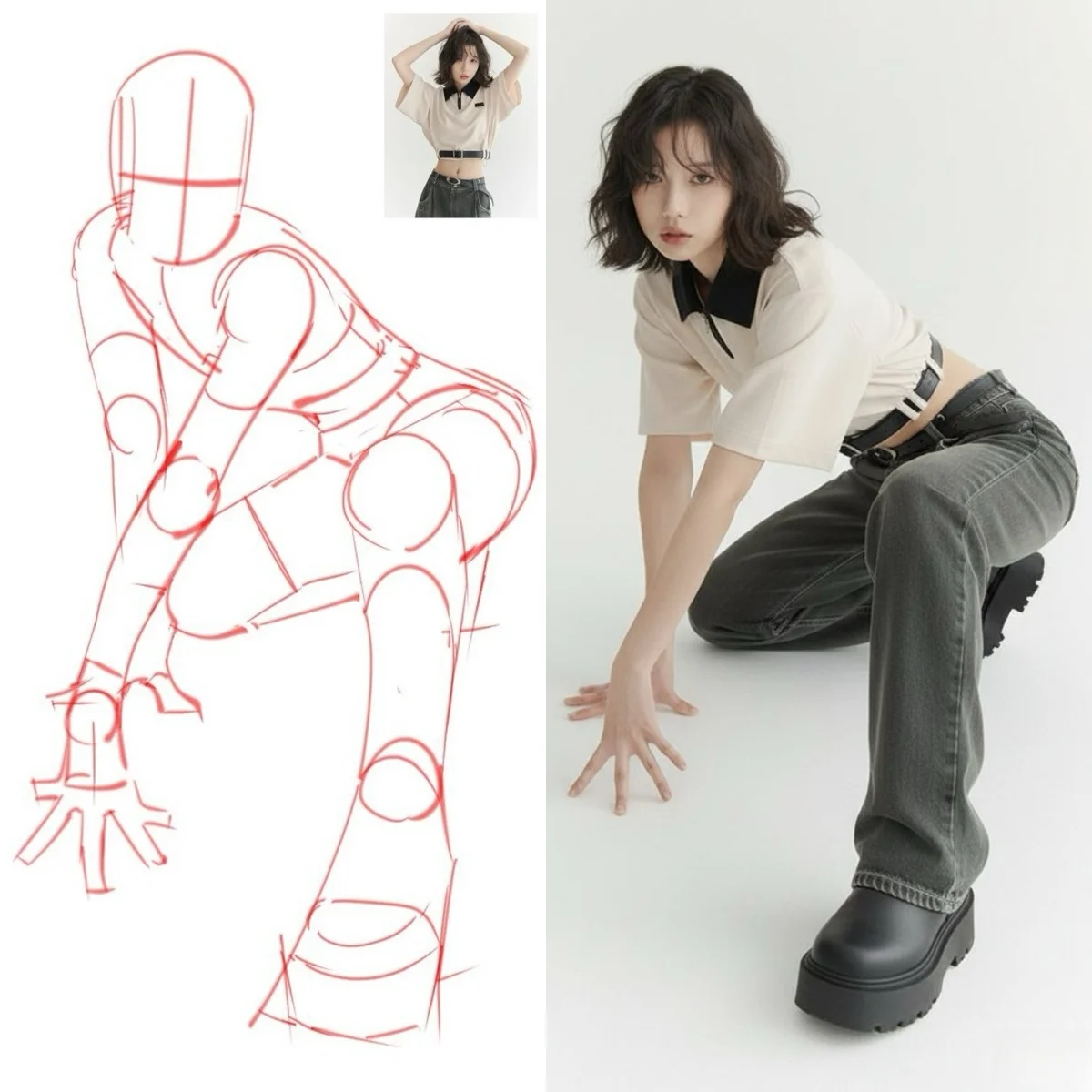
Browse cinematic video clips, animated images, and high-resolution stills created with Gemini Omni and other AI engines on this platform. See what's possible before you start.


What Is Gemini Omni?
Gemini Omni is Google's unified AI video model, built as an evolution of Veo technology. It generates cinematic video and native audio in a single pass — synchronized dialogue, environmental sound, and music produced alongside the visual output without a separate post-processing step. The model accepts text prompts plus reference images, video clips, and audio tracks per generation, producing output at up to 2K resolution with clips up to 15 to 20 seconds. Omni AI Video gives you browser-based access to Gemini Omni generation with no software to install and nothing to download.
What separates Gemini Omni from conventional AI video generators is its unified multimodal architecture. Where most AI video models handle audio through a separate pipeline and merge the outputs in post-processing, Gemini Omni generates audio and video together — producing tighter alignment between what is seen and what is heard. The model also introduces chat-based editing: describe what you want to change — remove a watermark, swap an object, rewrite a scene's tone — and Gemini Omni rewrites just that part, frame by frame, in place. Scene consistency is preserved across edits through an inherited long-context window, so characters maintain their appearance and settings hold across the full clip.
This platform brings Gemini Omni capabilities directly to your browser. Generate AI video from text prompts, animate still images with physics-accurate motion, or supply reference files to guide the output — appearance, camera movement, sound, and pacing. Gemini Omni operates alongside additional AI engines so you can compare outputs from the same prompt: Kling 3.0 for multi-shot narratives up to 15 seconds, Veo 3 for cinema-grade eight-second clips with spatial audio, Wan 2.6 for style-consistent image-to-video. The image workspace adds Seedream for native 4K output, GPT Image for typography-accurate graphics, and Flux 2 Pro for rapid batch generation. Runs entirely in your browser — write a prompt or upload reference files and Gemini Omni generates the rest.
AI Models Available — Led by Gemini Omni
Gemini Omni leads the lineup with native audio generation and chat-based editing. Kling, Veo, Seedream, and specialized image engines cover every format from the same account.
Omni
VideoGemini Omni by Google — the flagship AI video engine on this platform. Generates cinematic video and native audio in a single pass — synchronized dialogue, environmental sound, and music produced without a separate post-processing step. Accepts reference images, video clips, and audio tracks per generation. Produces up to 2K video up to 15 to 20 seconds. Chat-based editing lets you describe what to change and Gemini Omni rewrites it in place.
Kling
VideoKuaishou's production video engine. Generates up to 15 seconds across standard and pro quality modes with multi-shot sequencing that handles scene transitions in a single prompt. Supports Motion Control for full-body character animation from a reference clip — choreography, dance, and performance transfer with finger-level hand precision.
Veo
VideoGoogle DeepMind's cinema-grade video generator. Produces eight-second clips at broadcast quality with built-in spatial audio — no post-production audio step. Excels in environmental realism and wide-lens scene composition. Supports first-and-last-frame control for precise scene bookending.
GPT Image
ImageOpenAI's image model optimized for visual accuracy in generated text. Ranked at the top of LMArena and the Artificial Analysis Image Arena for typographic fidelity. The direct choice when the prompt includes readable labels, logos, signage, or any content where legibility in the output image is non-negotiable.
Flux Pro
ImageBlack Forest Labs' production image engine built for throughput. Generates at 1K and 2K across seven aspect ratios with a benchmark-leading win rate in head-to-head comparisons. Designed for batch workflows — product photography, social content, and rapid iteration where generation speed is the primary constraint.
Nano Banana
ImageGoogle's character-consistency image engine. Accepts up to eight reference images to anchor a specific face, hairstyle, clothing, or brand mark across every image in a series. Nano Banana 2 extends this to 14 reference inputs and adds Google Search grounding for real-world subject accuracy.
Seedream
ImageByteDance's native 4K image engine. Outputs up to 4096×4096 px across eight aspect ratios including 21:9 ultrawide. Seedream 5 applies Chain-of-Thought visual reasoning — working through spatial relationships step by step before rendering — for more coherent multi-figure compositions and precise environmental detail.
What You Can Create with Gemini Omni
Video with native audio, high-resolution images, motion transfer, and lip-sync avatars — all from your Omni AI Video account. Gemini Omni leads the video lineup; specialized image engines handle every format.
AI Video Generator
Gemini Omni generates video and native audio in a single pass — dialogue, sound effects, and ambient audio produced alongside the visual output with no post-processing step. Kling 3.0 adds multi-shot sequencing up to 15 seconds. Veo 3 delivers eight-second cinema-grade clips with spatial stereo. Text-to-video, image-to-video, and multi-reference generation from the same prompt interface.
Create VideoAI Image Generator
GPT Image for prompts where text rendering accuracy inside the image is essential. Seedream for native 4K output across eight aspect ratios including ultrawide. Flux 2 Pro for rapid batch generation with a benchmark-leading win rate. Nano Banana Pro for consistent character appearances across a series. Text-to-image and image-to-image side by side.
Create ImageWhy Use Gemini Omni on Omni AI Video
Gemini Omni sets a new direction for AI video quality. This platform makes it accessible in your browser alongside every other leading AI video and image engine.
Video and Audio in One Pass
Gemini Omni generates video and audio in a single pass — synchronized dialogue, ambient environmental sound, and music emerge from the same generation step as the visual output. There is no separate audio step, no merging in post-production, and no audio falling out of sync with the action on screen.
Multi-Reference Input Control
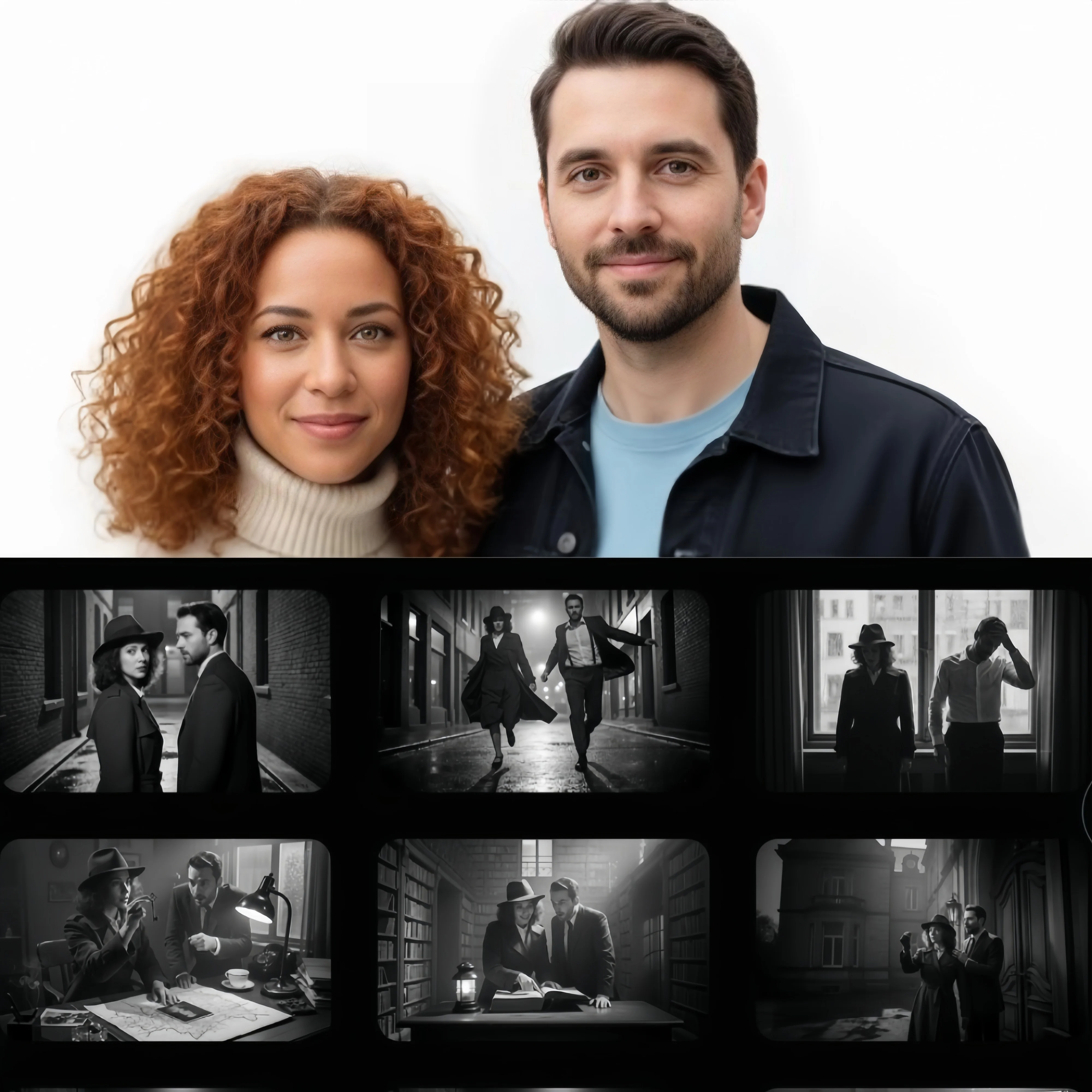
Gemini Omni accepts multiple input types simultaneously — text, reference images, video clips, and audio clips. Specify character appearance from a photo, camera movement from a reference clip, and sound atmosphere from an audio track, all in a single generation request. No other AI video model in your browser offers this level of multi-reference control.
Chat-Based Video Editing
Describe what you want to change and Gemini Omni rewrites just that part — frame by frame, in place. Remove a watermark, swap an object, adjust the tone of a scene. No timeline scrubbing, no manual masking. The model preserves scene consistency and character appearance across every edit through an inherited long-context window.
Up to 2K Resolution, Up to 15-Second Clips
Gemini Omni outputs video at up to 2K resolution with clip lengths up to 15 to 20 seconds, including multi-shot scene transitions in a single generation pass. Other engines on this platform extend your options — Kling 3.0 supports up to 15 seconds in 4K, and Veo 3 produces eight-second broadcast-quality clips with spatial stereo audio.
Works in Any Browser, Nothing to Install
Gemini Omni is Google's unified AI video model, available worldwide on Omni AI Video. Works in any browser, nothing to install — write a prompt or upload reference files and generate. Commercially licensed output is available on paid plans with no additional licensing fees.
How to Use Gemini Omni on Omni AI Video — 3 Steps
From prompt to finished video in three steps. No GPU, no installation, no prior experience required.
Write your prompt or upload reference files
Describe the scene — subject, motion, setting, mood, and audio intent. For Gemini Omni's reference mode, upload reference images to anchor character or environment appearance, video clips for camera movement or action templates, and audio clips for sound atmosphere. Text-only prompts also work — reference files are optional, not required.
Select Gemini Omni or compare engines
Choose Gemini Omni for native audio co-generation and chat-based editing. Or run the same prompt on Kling 3.0 for multi-shot sequencing, Veo 3 for cinema-grade output, or Wan 2.6 for image-to-video with style consistency. Image generators — Seedream, GPT Image, Flux, Nano Banana — are available from the same Omni AI Video workspace. Compare results and download the version that fits your project.
Download and use commercially
Gemini Omni generation takes several minutes depending on clip length and reference complexity. Output arrives at up to 2K resolution — watermark-free on paid plans with full commercial licensing. Ready for social media, advertising, branded content, and client deliverables with no additional licensing fees.
Frequently Asked Questions About Gemini Omni
What Gemini Omni is, how to access it, and how it compares to other AI video generators.
Gemini Omni is Google's unified AI video model — described by Google as a new video generation model that lets you create, remix, and edit videos directly in chat. Built as an evolution of Google's Veo technology, Gemini Omni generates video and native audio in a single pass — synchronized dialogue, environmental sound, and music produced alongside the visual output without a separate post-processing step. Generate Gemini Omni video directly in your browser on Omni AI Video, without geographic restrictions.
On Omni AI Video, you can generate Gemini Omni video directly in your browser — nothing to download, nothing to install. New users receive starter access on sign-up to generate video and image outputs immediately at no cost. Watermark-free output with full commercial licensing requires a paid plan. No credit card is needed to start.
Three capabilities distinguish Gemini Omni from other AI video generators. First, it generates video and audio jointly in a single pass — most models sequence audio separately and merge in post-production, producing audio that falls out of sync with the action on screen. Second, it introduces chat-based editing: describe what you want to change and the model rewrites just that part, frame by frame, in place — no timeline scrubbing or manual masking required. Third, it inherits the Gemini architecture's long-context window, so characters maintain consistent appearance and settings hold across edits and across a full clip.
Yes. Gemini Omni generates video and audio jointly in a single generation pass. The model produces synchronized dialogue, ambient environmental sound that matches the scene, and background music that follows the narrative rhythm — all without a separate audio generation step or post-production merging. Audio is generated with the video, not added afterward. This co-generation approach keeps audio in sync with the action on screen in a way that models handling audio separately cannot match.
Gemini Omni's chat-based editing lets you describe changes in plain language rather than using a timeline editor. Tell the model what to change — 'remove the watermark', 'swap the red car for a black one', 'make the dialogue more apologetic' — and it rewrites just that part of the video, frame by frame, in place. The model preserves scene consistency and character appearance across edits through the Gemini architecture's inherited long-context window. This is meaningfully different from traditional video editing tools, which require manual selection, masking, and compositing for every change.
Each model leads in a different area. Gemini Omni introduces chat-based editing and native audio co-generation as its primary differentiators — capabilities that Kling 3.0 and Veo 3 do not combine in the same unified interface. Kling 3.0 excels in multi-shot sequencing up to 15 seconds with 4K output support and Motion Control for character animation from reference clips. Veo 3 leads in cinematic scene composition and environmental realism with built-in spatial audio. All three are available on Omni AI Video from the same account — run the same prompt on each and compare results before downloading.
Gemini Omni outputs video at up to 2K resolution with clip lengths up to 15 to 20 seconds, including multi-shot scene transitions within a single generation pass. For higher resolution output, Kling 3.0 on this platform supports 4K. For longer clip length requirements, Wan 2.6 offers image-to-video at up to 15 seconds. All engines are available from the same Omni AI Video workspace — select the engine that best matches your resolution and length requirements.
Yes. Omni AI Video provides browser-based access to Gemini Omni generation without geographic restrictions — no VPN, no regional account, and no special access required. Sign up directly on this platform to generate Gemini Omni video and image outputs from any country, immediately.
Yes. All video, image, and audio outputs generated through paid plans on Omni AI Video carry commercial usage rights. Output is watermark-free and production-ready — licensed for social media publishing, advertising campaigns, branded content, product videos, music videos, and client deliverables. No additional licensing fees apply to content generated within your plan, and no attribution to the platform is required. Free plan outputs include a watermark and are not cleared for commercial use.
Gemini Omni accepts multiple categories of reference input alongside a text prompt. Reference images anchor character appearance, facial features, environment design, and color palettes. Video clips provide templates for camera movement patterns, action choreography, and scene pacing. Audio clips guide background music style, sound effects, and dialogue atmosphere. You can use any combination of these reference types in a single generation request — none are required if you prefer text-only prompting.
Start Creating with Gemini Omni
Omni AI Video puts Gemini Omni directly in your browser. Generate cinematic video with native audio, chat-based editing, and multi-reference control — nothing to install, start in seconds.